
AI startup on a budget? How to master GPU computing without overspending
Written by

Software Engineer at GoCardless
Written by
Software Engineer at GoCardless
Cheap GPUs don't kill AI startups. Cheap thinking about GPUs does. In 2026, the teams burning through runway fastest aren't the ones who can't afford compute; they're the ones measuring the wrong thing and scaling the wrong way.
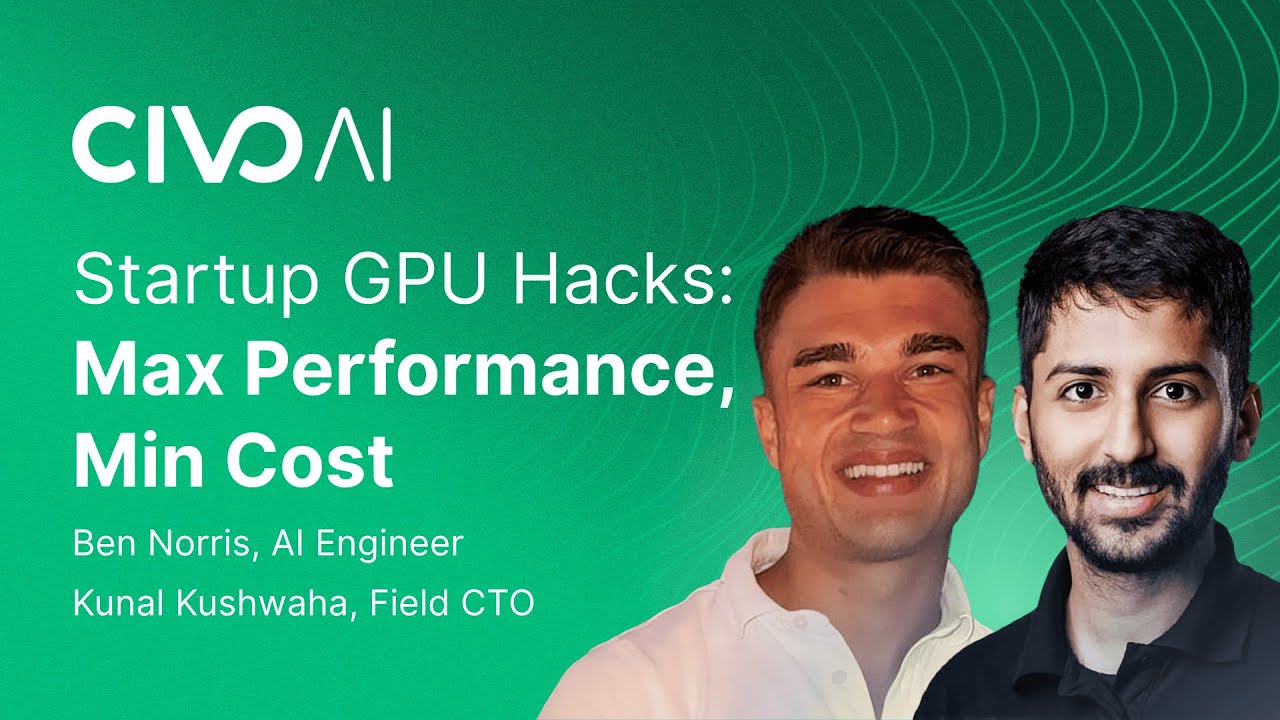
In a panel discussion on GPU strategy for AI startups, Ben Norris, Kunal Kushwaha, and Kendall Miller laid out five practical decisions every early-stage team needs to get right. The fundamentals still hold, but the numbers inside each decision have shifted significantly.
This blog revisits all five with current 2026 pricing, sharper cost-per-token framing, and a procurement checklist at the end, you can use on your next infrastructure call.
1. Start with pre-trained models
Training AI models from scratch is expensive and time-consuming. Instead, start with pre-trained open models such as Llama and its many variants.
You can fine-tune these models for your specific needs at a fraction of the cost, significantly reducing GPU usage. It’s also worth considering distilled models and CPU-efficient frameworks that let you run lighter workloads on cheaper hardware or even CPUs.
Want to try building your own? Check out our tutorial on building a self-hosted AI assistant on Civo with Llama.
2. Leverage affordable GPU providers
Not all GPU providers charge the same rates. Transparent pricing and no hidden fees can make a significant difference to your bottom line.
At Civo, we offer transparent, affordable GPU pricing designed with startups in mind. You don’t always need the newest GPU model to get great results; options like L40s or previous-generation A100s can still deliver excellent performance for less, helping you stretch your budget without compromising on capability.
👉 Get started with Civo GPUs by clicking here!
We looked into the trends and challenges of AI adoption in our latest whitepaper to uncover how the cost and complexity of essential infrastructure, like GPUs, remain significant barriers for many organizations.
”We believe that access to cutting-edge technology should not be a barrier to innovation, and that every company should have the opportunity to leverage advanced and secure cloud computing technologies”
Josh Mesout, Chief Innovation Officer at Civo
How can we make AI accessible to all? Read the full whitepaper by clicking here.
3. Start small, scale smart
The instinct to grab the newest GPU tier as soon as it drops is understandable, but it's one of the most expensive mistakes a startup can make. The B200 launched in 2025 with impressive headline numbers, and the H200 before it. Neither of those releases meant your H100 prototype suddenly became the wrong tool for the job.
The right call is to start on older silicon, validate your workload, and only scale up when you've hit a real bottleneck. A bottleneck means your GPU is genuinely saturated — not that a newer GPU exists.
Run a saturation test before any upgrade. Check your GPU utilisation metrics during a real workload run. If you're sitting below 80% GPU utilisation, you don't have a hardware problem. You likely have a batching, memory management, or software configuration problem that a more expensive GPU won't fix.
When you've confirmed you've hit the ceiling on your current tier, here's how Civo's GPU lineup maps to workload needs:
Prices accurate at the date of publication: April 2026. For more information on pricing and the savings you can make, see our pricing page here.
4. Consider turnkey AI solutions
Most AI startups self-host too early. The logic feels sound: "We'll save money by running our own inference instead of paying per token." What gets left out of that calculation is the DevOps engineer spending 10–20 hours a month maintaining the stack, the idle GPU billing you while traffic is low, and the engineering time lost every time something breaks at 2 am.
The mistake is deciding to self-host before you've validated your token volume. The API vs. self-host breakeven doesn't sit where most founders think it does. When you factor in DevOps overhead, updates, and downtime, self-hosting typically costs 3–5× more than the raw GPU price alone. Below roughly 2–5 million tokens per day, a managed API almost always wins on total cost. Above that threshold, and only then, does the math start to favour running your own infrastructure.
A useful reframe: a rising managed-API bill is not a signal to immediately self-host. It's a signal that your usage has grown enough to make the conversation worth having. Run the full TCO calculation before making the switch: GPU rental, plus DevOps labor, plus monitoring, plus the cost of incidents.
For teams that want to move fast without that overhead, relaxAI is a practical default. It's OpenAI-API compatible, meaning you swap in your API key and base URL and your existing code works immediately, and your data is stored exclusively in UK-based data centres governed by UK law, which matters if your team handles sensitive data or operates in regulated industries.
If you want to learn more about the relaxAI API, visit our website, and to find detailed documentation to get started on your projects, click here.
5. Use quantization to reduce GPU load
Quantization reduces the precision of your model’s weights, cutting down the number of computationally expensive tensor multiplications needed during training or inference. Civo's GPU instances are optimized to take full advantage of quantized models, allowing you to run AI workloads more efficiently and cost-effectively on our platform.
By leveraging quantization, you can significantly reduce the computational resources required, making our more affordable GPU options, such as the L40S or A100. This means you can achieve faster and more cost-effective model execution without compromising on performance.
To learn more about Civo’s GPU offerings, check out our resources here.
Summary
Before you spend a dollar on GPU infrastructure, run through these five questions — one for each decision in this guide:
- Model size: Have you benchmarked a 7B–8B model on your actual task before defaulting to 70B?
- Provider: Are you comparing providers on cost per million tokens, not cost per hour?
- Hardware tier: Have you run a GPU saturation test on your current tier before considering an upgrade?
- Managed vs. self-hosted: Is your daily token volume high enough to justify the DevOps overhead of self-hosting?
- Quantisation: Have you run a task-level eval at FP8 or INT4 before assuming you need full precision?
If you can answer yes to all five, you're ready to commit budget. If not, go back to the relevant section before scaling.
Stage-gated decision matrix:
Additional resources
Ready to dive deeper into the world of GPUs and AI? Explore these resources to learn more about how Civo is helping to shape the future of the GPU landscape:

Software Engineer at GoCardless
Mostafa Ibrahim is a software engineer and technical writer specializing in developer-focused content for SaaS and AI platforms. He currently works as a Software Engineer at GoCardless, contributing to production systems and scalable payment infrastructure.
Alongside his engineering work, Mostafa has written more than 200 technical articles reaching over 500,000 readers. His content covers topics including Kubernetes deployments, AI infrastructure, authentication systems, and retrieval-augmented generation (RAG) architectures.
Share this article
